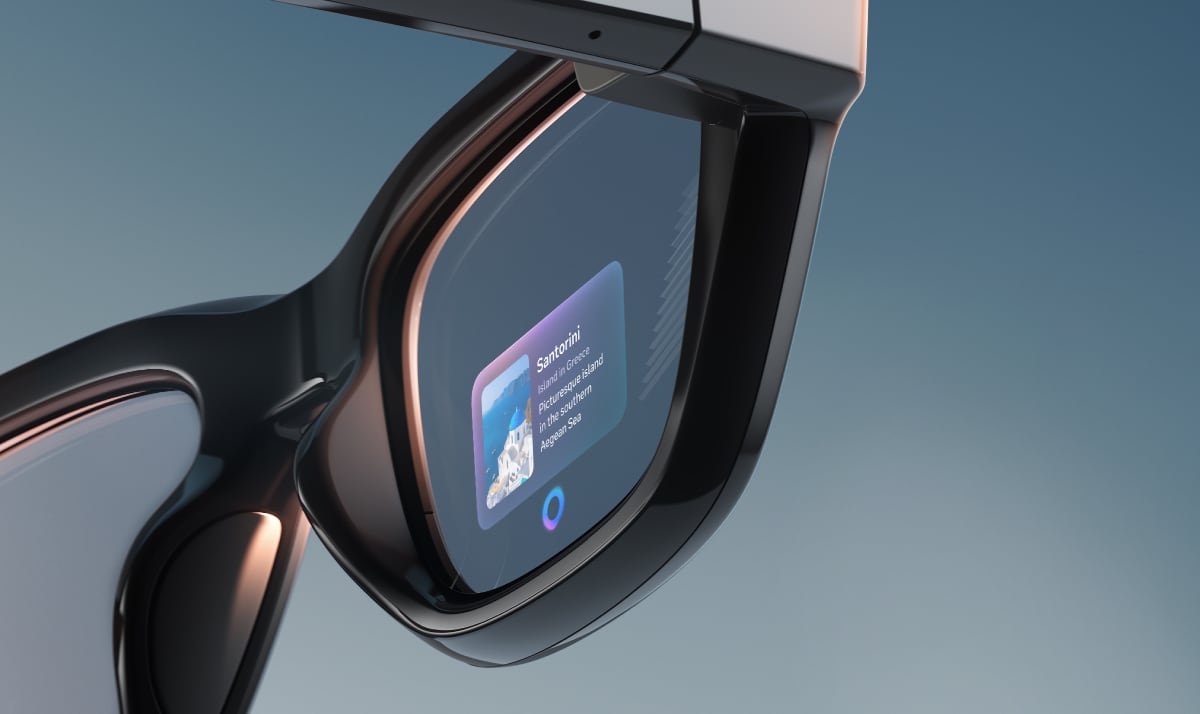

To keep using Meta Display glasses in your car without visual distractions, switch to Audio Only mode and enable the Driving toggle in the Meta AI app. This turns the display off completely so you get hands-free audio for calls and voice commands while keeping your eyes on the road.
Why Audio Only mode exists for Meta Display glasses
Meta Display glasses were not designed to provide real-time driving directions, and the company explicitly advises against using visual features while operating a vehicle. Audio Only mode exists to let you use Meta glasses for safe, non-visual tasks like taking calls or issuing quick voice commands without the micro display lighting up in front of your eyes. Think of it as temporarily converting your Display glasses into regular Meta Ray-Ban AI glasses that rely entirely on open-ear audio.
Step-by-step setup for Audio Only driving mode
Open the Meta AI app on your paired phone and go to Settings. Select your Meta Display glasses from the device list and tap Device Settings. Turn on Audio Only and then toggle the Driving option. Once enabled, the display on your Meta glasses turns off completely while you are moving in a vehicle. You still have full access to hands-free audio for calls and quick voice commands through your Display glasses, but no visual overlays or notifications will appear.
What you can and cannot do with Meta Display glasses
With Audio Only mode active, your Meta glasses function like standard audio smart glasses. You can take and make calls, listen to music or podcasts, and use basic voice commands without looking at a screen.
However, Meta Display glasses do not support real-time turn-by-turn navigation for driving, and the company warns that recording video or interacting with complex voice commands while driving may violate distracted driving laws in many regions. If you need driving directions, use your phone mounted safely on the dashboard or rely on your car’s built-in navigation system instead of expecting Meta Display glasses to guide you visually.
Safety and legal considerations for vehicles
Many jurisdictions prohibit wearing any screen-emitting device while operating a vehicle, and Meta itself advises against using visual features of Meta Display glasses behind the wheel. Audio-only use such as calls may be permitted in some areas, but local laws vary, and you should always check regional regulations before using Meta Display glasses in a car.
Even with Audio Only mode enabled on Meta Display glasses, avoid complex voice interactions that could distract you from driving and never attempt to record video or use the display while the vehicle is in motion.
Practical tips for getting the most on the road
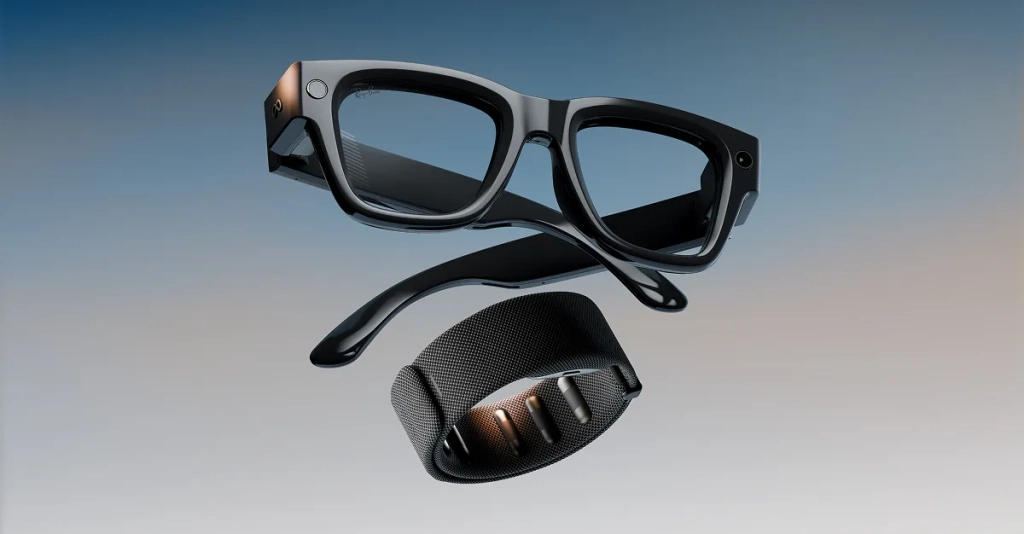
Use Audio Only mode on Meta Display glasses for short, essential interactions like accepting an important call or asking a quick question that does not require looking at a screen. Keep your phone accessible but secured in a mount so you can glance at it only when safely stopped if you need more detailed information that Meta Display glasses cannot provide while driving. Remember that Meta Display glasses are optimized for pedestrian use cases like walking navigation and hands-free content creation, not active driving scenarios that demand full visual attention.